
Atlux λ 2 available! With Unreal Engine to Gaussian Splatting workflow.
By - Jorge Valle Hurtado
Atlux λ 2 available! With Unreal Engine to Gaussian Splatting workflow.
After several months of exceptionally hard work, version 2 of Atlux λ for Unreal Engine is available!

The visualisation plugin for Unreal Engine is now much more than a virtual photo studio and a rendering tool.
The new version brings plenty of new features, including:
● New UI
● Fixed crashes!
● New Light assets reworked for best Lumen performance
● New Procedural Gobos
● New Capture tab with Scan presets for Gaussian Splatting generation in external software (I am hugely excited about this one!)
● New Prop tab with Backdrops, Colour Checker, Reference Spheres, Podiums, Particle Effects…
● New Action tab
● New Post-Process Materials and LUTs
Along with all the classic features of Atlux λ:
● Virtual Photo Studio
● Light presets
● 1-Click Render (Shoot!)
● Batch Render
● Camera Motion presets
And much, much more!
This 2.0 version is a free update for all existing users, and it comes as the default version for all the new ones.
Available now:
Rental: $59.50 / month
Purchase: $495.00 | Perpetual license
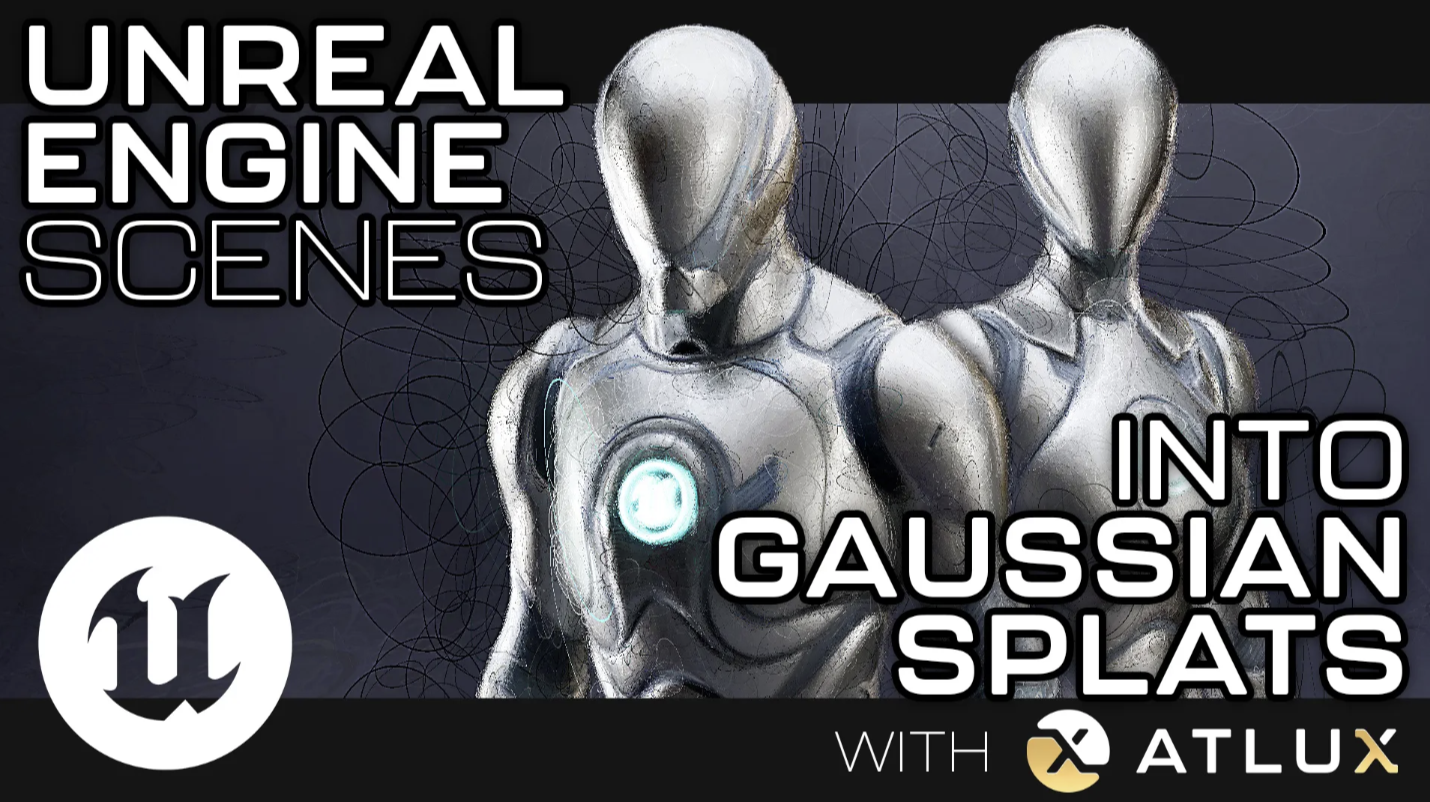
Unreal Engine scenes into Gaussian Splats with Atlux λ
Bring Lumen and Path Tracing scenes into a web browser viewer thanks to Gaussian Splatting.
The UE ➞ GS (Unreal Engine into Gaussian Splat) workflow inside Atlux λ includes:
● Camera Volume
● Point Cloud Volume (with .ply and .txt export)
● Automated Colmap data export
● 1-click Batch Render
+ Transparent Background option
The output can be dragged directly into Postshot (or any other GS software) for Gaussian Splatting generation, as shown in the video above, and the result can be viewed in a web browser thanks to tools like SuperSplat.
This is the link to the Web Viewer of the 3D scene from the video.
This UE ➞ GS workflow is incredibly useful for experimenting with Gaussian Splatting, and for training/improving models using synthetic data. Also, to view Lumen and Path Tracing static scenes directly in a web browser and on mobile devices.
The workflow in depth
Camera Volume
The Camera Volume spawns a user-defined number of cameras inside a box, with an option for different distribution algorithms (Fibonacci lattice, Halton sequence, latitude and grid). The volume also brings a target inside, which all the cameras follow in rotation and position.
The settings for all the cameras are controlled simultaneously from the Volume asset, and they can also be pointed outwards for HDRI-like captures. Multiple volumes can be placed in the scene to cover different areas.
Point Cloud Volume
It creates a point cloud of the scene, viewable in real time, with an option to define point cloud density, and different distribution methods (surface distribution, vertices and ray casting from the cameras).
The point cloud can be exported from Atlux λ’s UI into a .ply file, or a Colmap .txt file when rendering with Colmap Export enabled.
Automated Render Settings and Colmap Export
With a simple button, it applies the ideal render settings for Gaussian Splatting creation, including denoiser, no motion blur, and the Colmap data export.
1-Click Batch Render
The Shoot button from Atlux λ automates the whole rendering process. One click is all that’s needed to render all the cameras from the volumes.
When the render finishes, the Colmap Export automatically creates both the images.txt and cameras.txt files that link the renders to the scene’s cameras, including intrinsics and extrinsics.
Transparent Background Option
When enabled, it masks out the selected models, creating 2 different scan folders on rendering, one with the standard renders, and another one with alpha-masked renders showing only the selected models and removing the background. Both folders bring their own Colmap data to choose between generating the whole scene or the models only in Gaussian Splatting software.
Import into Gaussian Splatting software
The output is ready to be imported into Gaussian Splatting software like Jawset Postshot to generate splats and export them as a .ply.
That’s it! A static Unreal Engine scene available in a web browser viewer.
Atlux λ 2 is already available:
Join our Discord to stay up to date.
Thanks Epic Games for creating such a wonderful tool as Unreal Engine, empowering independent developers to grow alongside you and support one another.
And special thanks to the love of my life, Iona Brinch, for her unconditional love and support. I love you with all my heart ❤️
- Jorge Valle Hurtado
Latest posts
Buona la Prima - Episode 72
Is the video game market really in crisis? Pietro Faccio and Gustav Nisser of Buona la Prima analyze the growth of Steam releases, competition among live services, and the new challenges for independent studios.

The new European report on the video game industry has been published
Video Games Europe and EGDF have published their latest report on the European video game industry
Epic AI MegaJam 2026: developing video games with artificial intelligence
The Epic AI MegaJam returns from November 12th to 15th, 2026: four days of video game development with Unreal Engine, UEFN, and AI tools.